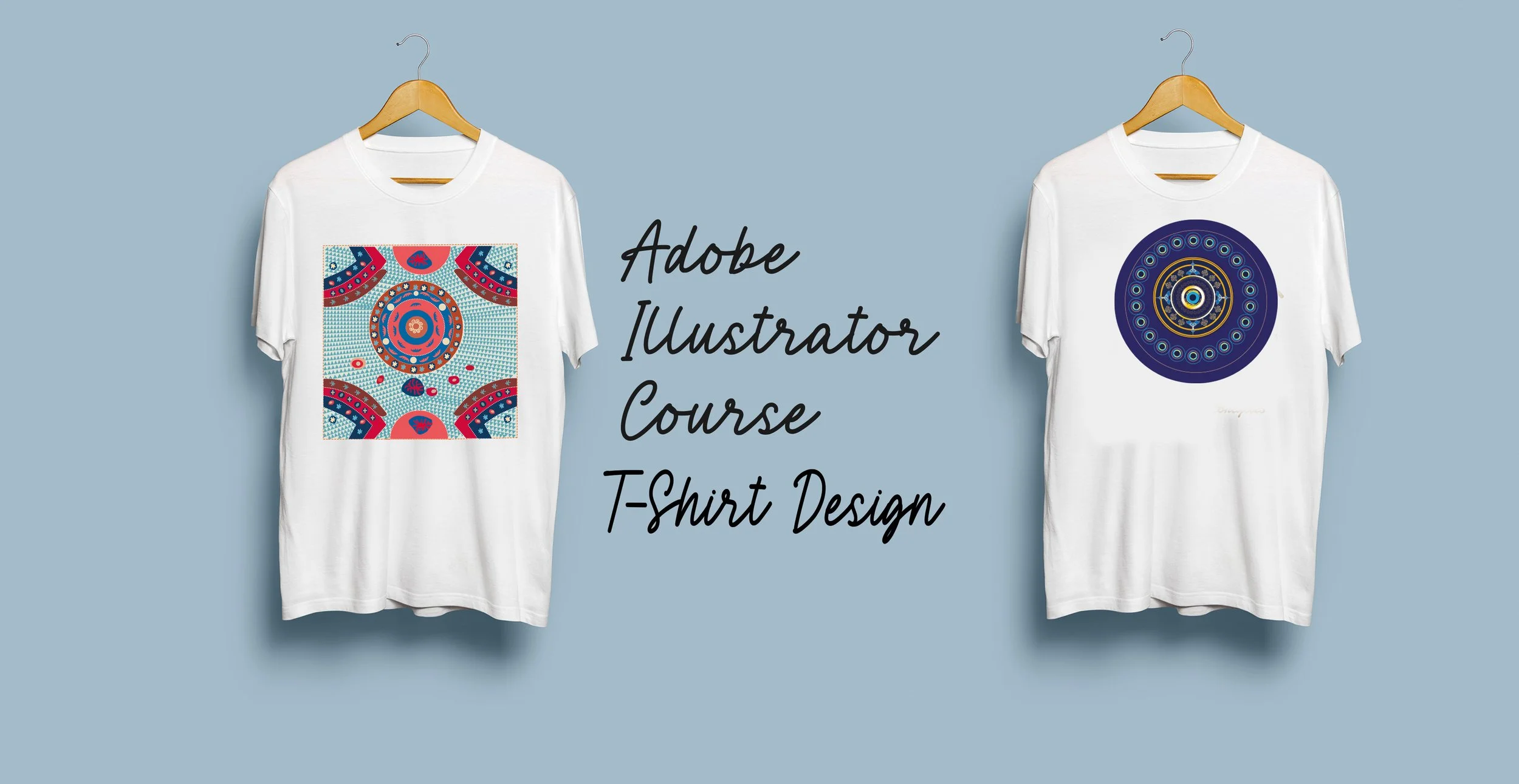
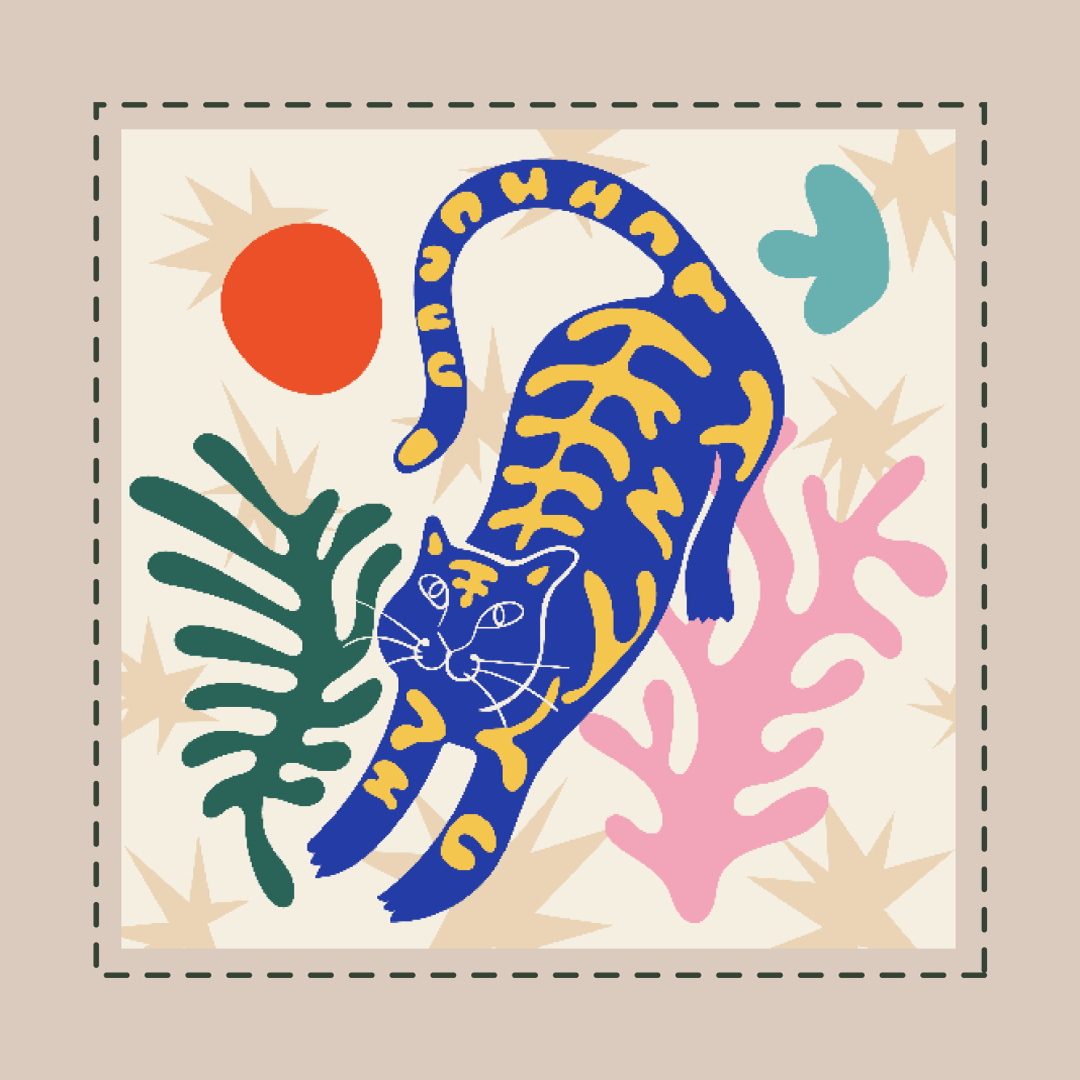
The Introduction to Adobe Illustrator course is designed to provide you with an excellent foundation Learn the essentials of working with vector graphics, create beautiful typography and master the art of digital drawing. Through hands-on exercises and practical projects, you will gain proficiency in Illustrator's tools and techniques, enabling you to bring your creative ideas to life.
Adobe Training: Beginner Illustration Sessions (6-Part Series)
Session 1: Introduction to Adobe Illustrator & Digital Illustration
Objective: Understand the interface, essential tools, and vector basics.
Topics:
What is vector illustration?
Overview of Illustrator workspace: tools, artboards, panels
Creating your first document
Drawing basic shapes (rectangle, circle, polygon)
Introduction to selection tools (Selection & Direct Selection)
Saving files: AI vs PDF vs SVG vs PNG
Exercise: Create a simple icon set using only geometric shapes (e.g. sun, tree, house, cloud)
Session 2: Mastering the Pen Tool and Paths
Objective: Learn how to draw custom shapes and control anchor points.
Topics:
How the Pen Tool works (straight lines, curves)
Anchor points and handles
Editing paths with the Direct Selection Tool
Using the Curvature Tool
Understanding stroke vs fill
Exercise: Trace a simple sketch (like a cartoon character or animal outline)
Session 3: Working with Colors, Gradients, and SwatchesObjective: Explore colour theory, gradients, and creating a palette.
Topics:
Fill & stroke settings
Color Picker and Swatches
Creating and saving custom colour palettes
Using gradients (linear & radial)
Global colors and color harmonies
Exercise: Recolor your illustration from Session 2 using a custom colour palette
Session 4: Layers, Groups, and Object Organisation
Objective: Learn how to keep complex illustrations organised.
Topics:
Layers panel overview
Grouping vs ungrouping objects
Locking/hiding objects or layers
Using isolation mode
Align and distribute tools
Exercise: Create a scene (e.g. a landscape or a street) with multiple grouped objects
Session 5: Typography and Adding Text to Illustrations
Objective: Combine illustration with type effectively.
Topics:
Type Tool basics (point vs area type)
Fonts vs typefaces
Using character & paragraph panels
Outlining text for custom lettering
Adding text effects (warp, distort)
Exercise: Design a poster or quote using illustrated icons + stylised typography
Session 6: Exporting, Sharing, and Creative Workflow
Objective: Prepare your artwork for web, print, or animation.
Topics:
Exporting: PNG, JPG, SVG, PDF
Using artboards for multiple assets
Optimizing for web or social media
Intro to Adobe Creative Cloud Libraries
Next steps: learning animation or advanced brushes
Exercise: Final project – create a themed illustration using all learned techniques
Tools Used:
Adobe Illustrator (main)
OptionalOption to print T-Shirt.
This popular 6 week evening course covers the core Adobe InDesign tools needed to give you a strong head start. In this Introduction to Adobe InDesign training course, you will gain an excellent foundation in working with text, images and a variety of layouts. You will learn how to design pages with precision.
Over the 6 evenings you will learn the powerful tools and features of Adobe InDesign to design brochures, flyers, magazines, and more. Discover how to export your designs as high-quality PDF files for print or digital distribution.
This course will give you the skills to bring your creative ideas to life with Adobe InDesign.
InDesign's interface and workflow
Text and typography
Working with Styles
Working with images
Creating more layouts

Join Our 8-Week Children’s Book Illustration Evening Course!
Wednesdays | 6:00 PM – 9:00 PM
Bring your children’s book ideas to life in our inspiring and practical 8-week evening course, held once a week on Wednesdays.
What you’ll learn:
Explore the top 10 best-selling children’s books in the UK and what makes them successful
Develop your own unique characters and illustration style
Learn the process of visual storytelling
Create a professional book dummy to pitch to publishers
Whether you’re an aspiring illustrator, writer, or both—this course will guide you step-by-step toward turning your idea into a compelling children’s book.
Limited spaces available – reserve your spot today!
View course dates here
Contact us: 07305 923293
Back To All Courses